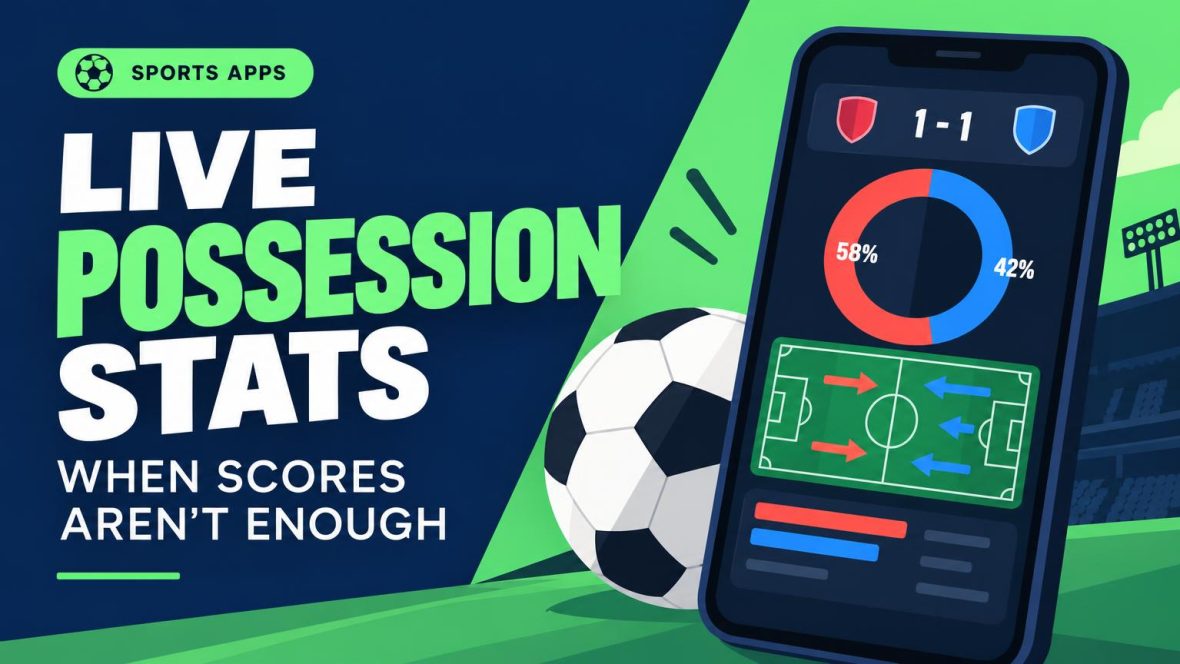
Apps for Live Possession Stats When Scores Aren’t Enough

A quick glance should settle a hunch, not start a spreadsheet.
At halftime, a match is still 0–0, but one side has had 68% possession and taken six shots. That looks more telling than the score—unless most of that possession has been harmless passing. Shots and changes in momentum help show whether control is turning into pressure. FotMob makes possession easy to check alongside other match stats; Sofascore’s momentum chart helps reveal when the balance shifts. The better choice depends on whether a reader prefers numbers or a visual cue.
Top Free Bets for November


BetNow

MyBookie

Bet105

BUSR Sports

Everygame Sports

BetOnline

BetWhale

BetAnything

Xbet

Bovada

Bookmaker
Pick the app that fits the habit
-
-
-
-
- Open a live match in the competition most often followed. Check whether possession appears, whether passing figures add context, and whether the features worth keeping require an account or payment. Compare another provider if a number looks odd: live figures can differ and may be revised after the match.
FotMob: football scores with possession context
- 01 Best for possession, expected goals, and shot maps.
FotMob is a football-first scores app for following a match beyond the result. It suits fans who want live possession and other match figures in one place. When reading live possession and passing stats, the key question is what a team does with the ball: a large share can mean sustained pressure, or just safe passes far from goal.
- Live possession sits alongside expected goals and shot maps, making it easier to check whether time on the ball produces chances.
- Match commentary adds context when a scoreline alone reveals little.
- cons
- best_for
- not_for
- Passing detail may be thinner in smaller competitions.
- Possession and pass-completion figures alone cannot prove which side is controlling the dangerous areas.
Sofascore: spot shifts in match momentum
Best for tracking how a match’s momentum shifts.
Sofascore puts football possession figures beside an attack momentum chart for supported matches. The pairing helps distinguish a team’s overall share of the ball from a shorter spell in which the other side is pushing forward. If the chart swings against the possession leader, the shot map can help show whether that spell produced attempts or simply looked busy.
The chart is an interpretation of attacking activity, not a direct measure of danger. A strong-looking spell does not necessarily mean a good chance followed.
A one- or two-point possession difference between apps is rarely a meaningful disagreement. Live figures can update at different times or reflect different recording methods. For more context, see how reliable live possession figures are.
Flashscore: possession from a multisport score
A multisport option with football stats where available.
Open a live football score in Flashscore, then check the match statistics for possession, shots and corners where coverage is available. It is a convenient route for someone following several sports: football stats sit alongside the other scores, without switching apps.
Possession is most useful here as a quick check against shots. A team may have more of the ball without creating more chances. For a closer look at one football match, a dedicated football app may offer richer visuals and context. Statistics can vary by competition, so it is worth checking the live fixture before counting on a particular metric.
365Scores: alerts first, possession on demand
Pairs personalized alerts with stats for supported fixtures.
365Scores suits fans who keep an eye on a match through personalized alerts, then open it when the score needs more context. For supported football fixtures, possession appears in the match statistics alongside the live score. That makes it easy to check whether a team has seen much of the ball after an important event.
The distinction is that alerts bring attention back to the match; possession is a figure to check inside it. An alert does not signal every change in who has the ball. Possession also reads better beside shots: a team can dominate the ball without creating many chances. Statistics may be less complete for some fixtures, so checking a live match in a followed league is worthwhile.
OneFootball: match updates with team news
Combines football news, lineups, and supported-match stats.
OneFootball is a useful match-day companion when the score is only part of the story. Its live updates, lineups and possession figures for supported competitions sit alongside team news, making it easy to check a match and catch up on the club around it.
That mix is less compelling when the question is how a side is using the ball. A possession percentage cannot show which players are connecting passes or where those passes go. For detailed live passing figures, a dedicated stats app is the better first stop. For closer analysis after the match, try football stats websites with deeper passing data. OneFootball fits best when news and match updates matter as much as the numbers.
- Open the same live fixture in two apps
Choose a league followed regularly; possession and passing coverage can vary by competition.
- Find the possession and passing figures
Note whether passes completed, pass accuracy or neither appears alongside the possession percentage.
- Check again during open play
See how quickly figures update and whether shots or momentum help explain a change in possession.
- Keep the clearer match view
A readable 55% means more when the screen shows what that possession produced.
Which app earns a place on match day?
Start with FotMob for football match stats that put possession beside chances. Pick Sofascore when the priority is seeing how the balance of play shifts. Flashscore is the practical choice when football shares screen time with other sports. Test the chosen app on a familiar league before relying on its passing detail.
Top Free Bets for November

BetUS

BetNow

MyBookie

Bet105

BUSR Sports

Everygame Sports

BetOnline

BetWhale

BetAnything

Xbet

Bovada